What is Kanji Mosaic?
+
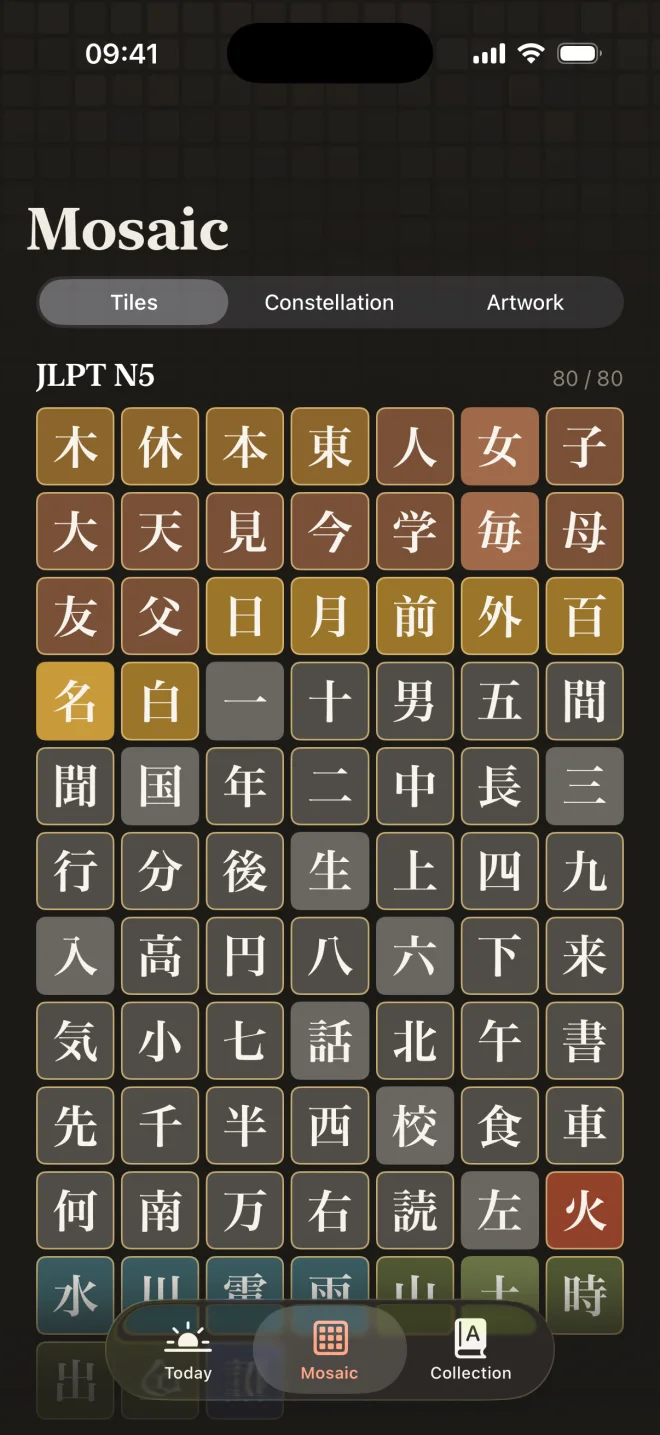
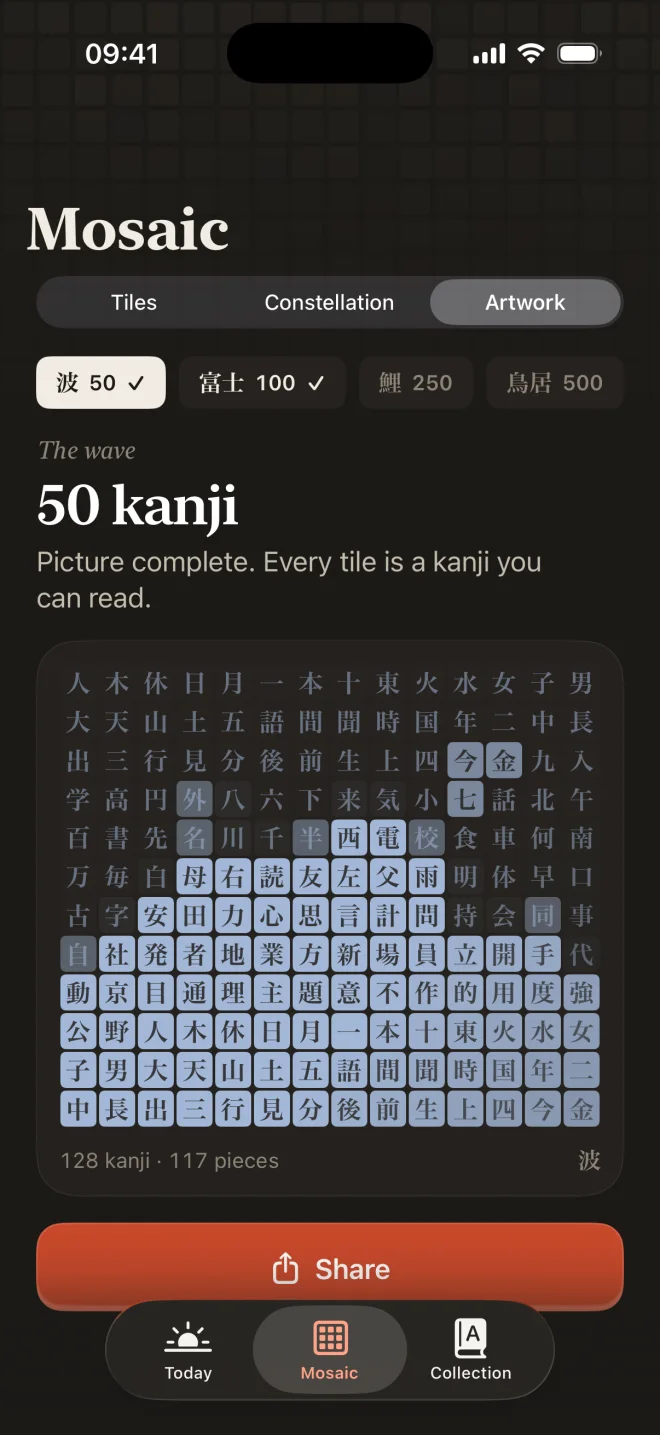
Kanji Mosaic is a Japanese kanji learning app for iPhone and iPad. Instead of memorizing each kanji as a separate drawing, you learn the few hundred pieces kanji are built from, then assemble, write and review every kanji. Each kanji you learn becomes a tile in a mosaic that grows as you study.
Which kanji does Kanji Mosaic teach?
+
All 2,136 jōyō kanji (the official list of kanji for everyday use in Japan) plus 407 extras: non-jōyō kanji that appear on JLPT lists and common name kanji. That is 2,543 kanji in total, built from 965 pieces, with 5,503 common words.
Does Kanji Mosaic cover the JLPT from N5 to N1?
+
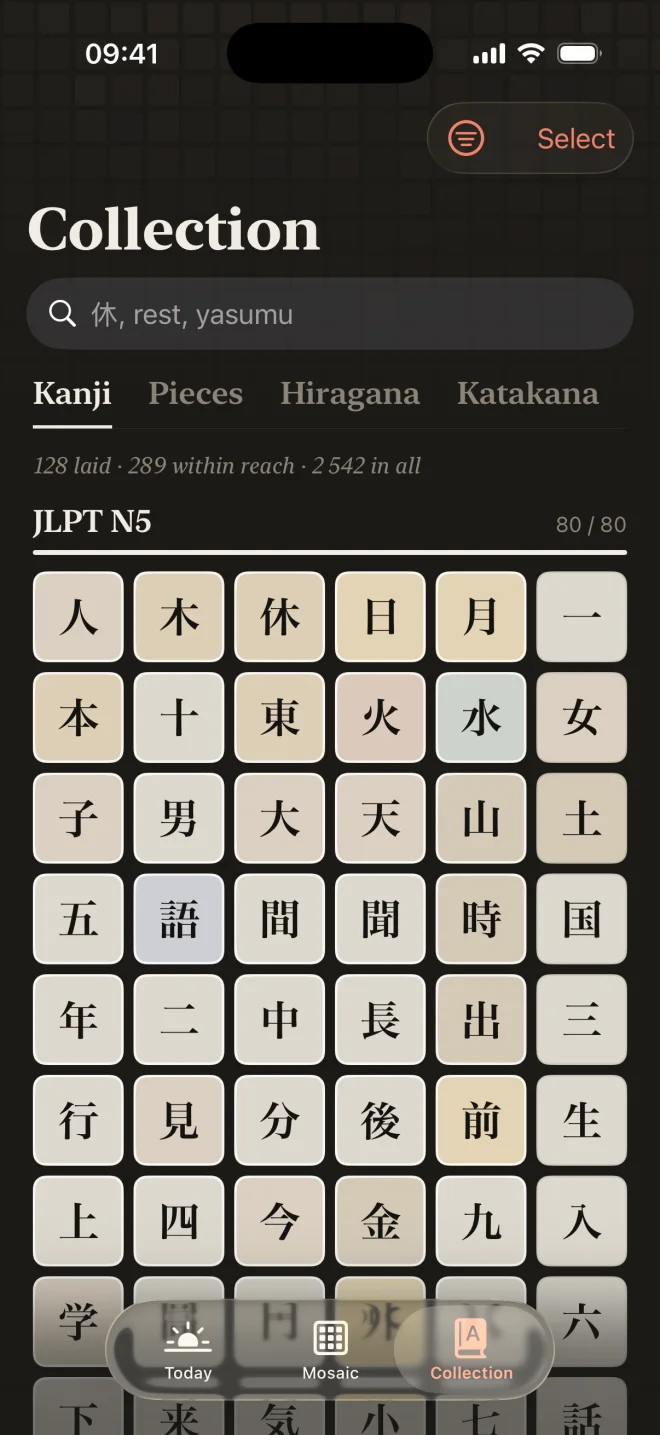
Yes. Every kanji is tagged with its JLPT level and the course goes N5 → N4 → N3 → N2 → N1: 79 kanji at N5, 166 at N4, 367 at N3, 367 at N2 and 1,404 at N1. Within a level, kanji are ordered by how often they appear in Japanese newspapers, and every piece is taught before the first kanji that uses it.
Can I learn hiragana and katakana with Kanji Mosaic?
+
Yes. All 92 hiragana and katakana are included for free, with stroke order animations, tracing and quizzes that separate look-alike characters. If you already read kana, the placement check lets you skip straight to kanji.
How is learning kanji by pieces different from flashcards?
+
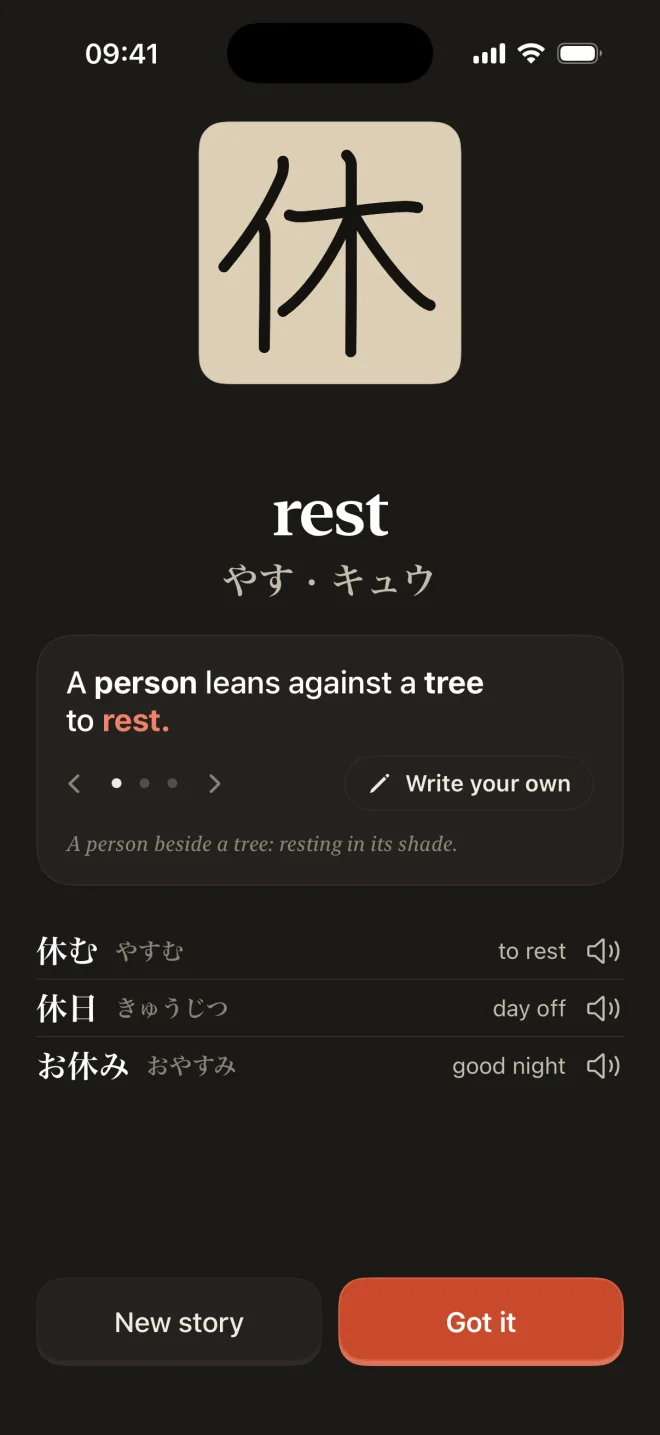
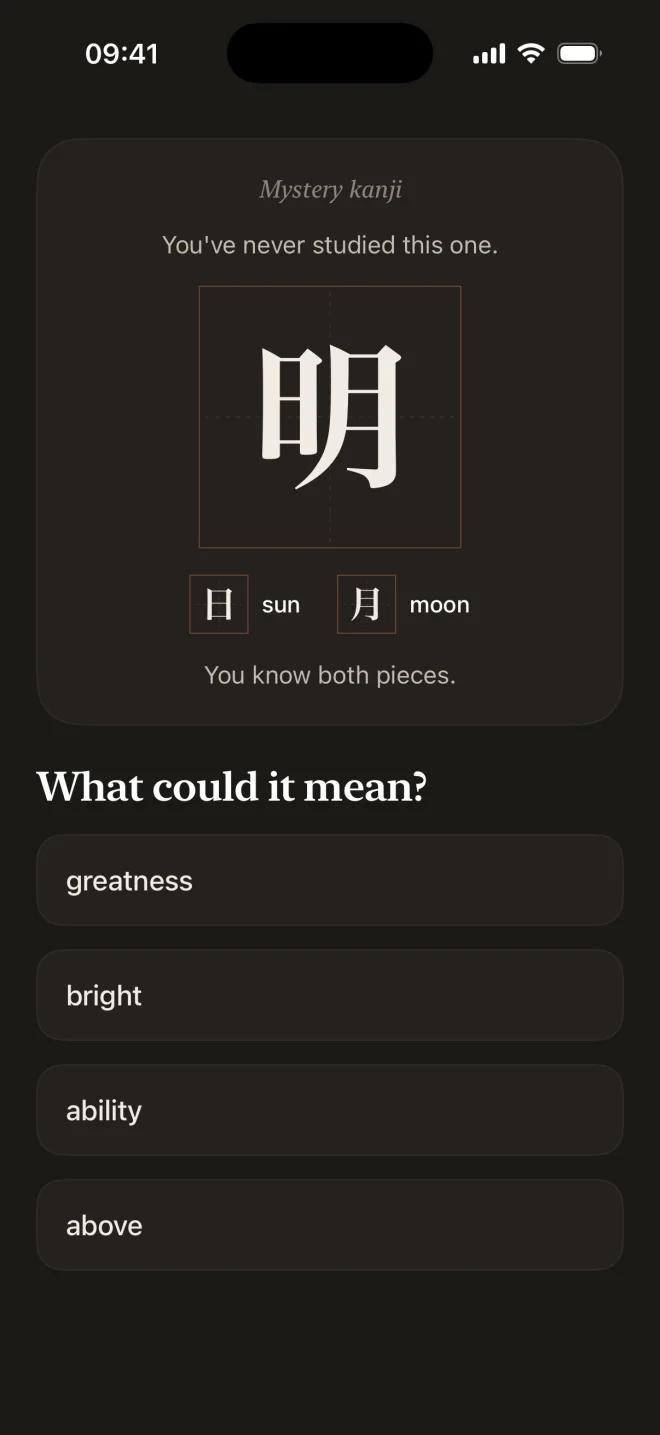
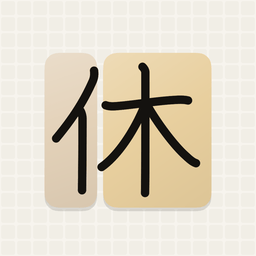
Flashcards treat each kanji as an unrelated picture to memorize. Kanji Mosaic teaches the components (radicals and other recurring parts) first, so a new kanji like 明 (bright) is recognized as 日 (sun) + 月 (moon) rather than eight random strokes. Once you know the pieces, the Mystery Kanji exercise asks you to work out the meaning or reading of kanji you have never studied.
Does Kanji Mosaic teach stroke order and handwriting?
+
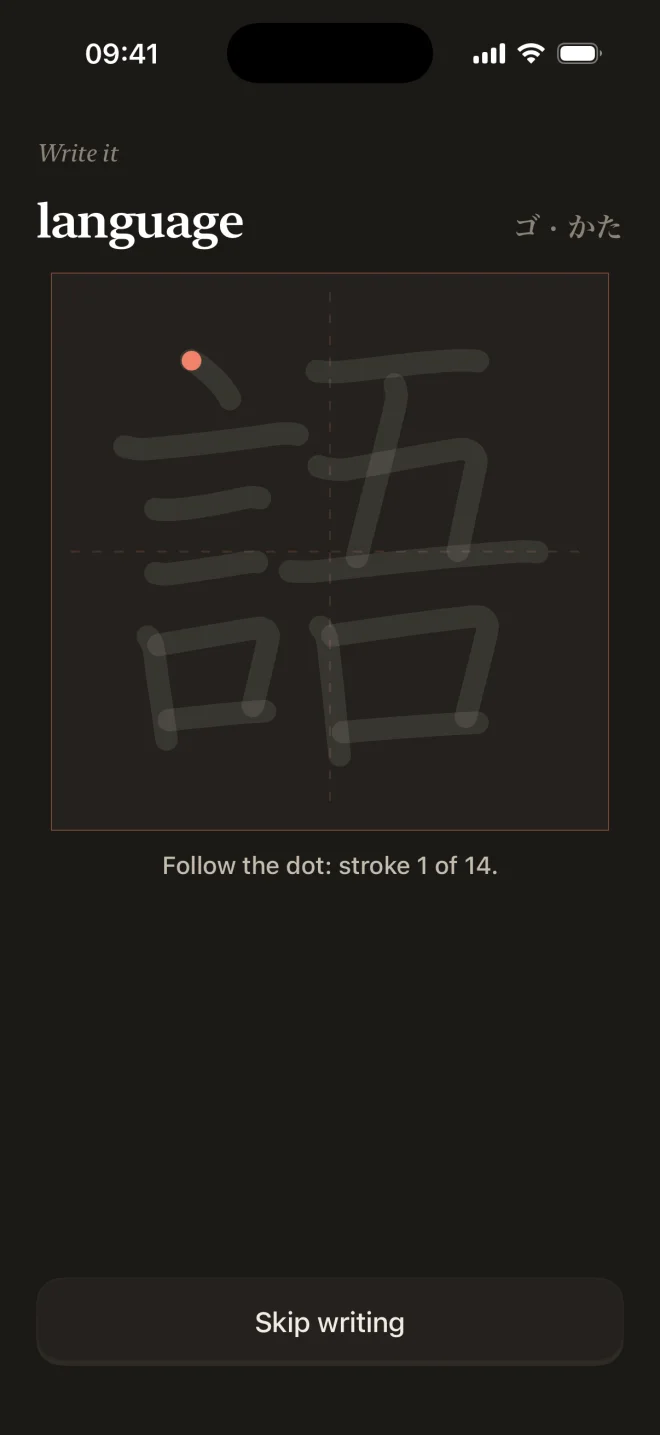
Yes. You trace each kana and kanji with your finger or Apple Pencil, then write it from memory in reviews. Every stroke is checked for shape, direction and order, and the app tells you exactly what to fix. Handwriting in reviews can be turned off in settings.
How does the spaced repetition work?
+
Reviews use an FSRS-style memory model that tracks meaning, pieces, reading and writing as separate strengths, so you are tested on what you actually forget. You choose a 5, 10, 15 or 20 minute daily session, and the app balances new kanji and reviews so reviews never pile up into a backlog.
Is Kanji Mosaic free?
+
Kanji Mosaic is free to download. Hiragana, katakana, the placement check and the first 15 kanji are free. Kanji Mosaic Pro unlocks every kanji, piece, word and artwork for $9.99 per month or $39.99 per year in the US, and the yearly plan starts with a 7-day free trial. Prices vary by country.
Which devices does Kanji Mosaic run on?
+
Kanji Mosaic runs on iPhone and iPad with iOS 26 or later, and supports Apple Pencil for handwriting on iPad. There is no Android version yet.
Does Kanji Mosaic need an account or an internet connection?
+
No. There is no account, and lessons, reviews, handwriting checks and pronunciation audio all work offline on the device. Your progress and your handwriting stay on your iPhone or iPad.
What languages is the app available in?
+
The app interface is available in English, German, Spanish, French, Polish, Portuguese (Brazil).
Where does the kanji data come from?
+
Meanings and readings are derived from KANJIDIC2 and JMdict by the Electronic Dictionary Research and Development Group (CC BY-SA 4.0), and stroke data and piece boundaries come from KanjiVG by Ulrich Apel (CC BY-SA 3.0). Memory stories, confusable kanji and example sentences are curated on top.
Is there a version for Chinese characters?
+
Yes. Hanzi Mosaic, by the same developer, teaches Chinese characters with the same method, covering all 3,088 HSK 3.0 characters from HSK 1 to HSK 7–9 in simplified or traditional script.